Quick Links:
- Home Page
- Game Parts & Supplies
- Games for Sale
- Ordering Info
- Technical Articles
- Game Service & Repair
- Contact Us
|
|
 |
Chicago Gaming Company Games
(2002) |
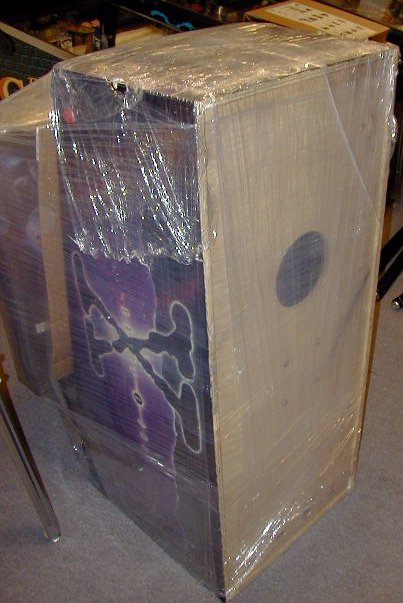
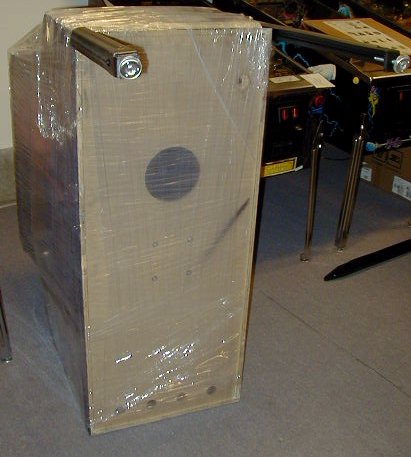
NOTE: These instructions assume your game has been packaged for shipment as shown in images below. This information is intended to help you set up your pinball machine after it has been shipped to you from our shop. Use this information at your own risk. We (Action Pinball) are not responsible for any damage to you, your location, or your game, that may result from following, or not following the instructions below.
Materials Needed:
- One or two friends to help.
- Scissors or knife.
- 5/8" open-end wrench, or socket wrench.
- Backbox allen-wrench (included with game).
 Click on any image below for a larger view. Click on any image below for a larger view.
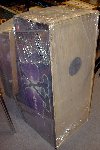 |
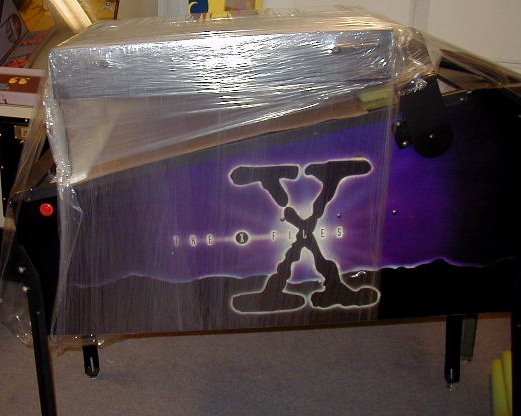
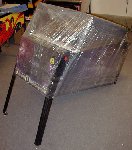
Step 1: UnpackingUnpack your game to the extent shown in the image to the left. Backbox should still be secured to the main cabinet with stretch-wrap or a strap (as shown in image).
USE CAUTION when cutting away any cardboard or stretch-wrap from the game, so as not to cut through the packaging and damage the cabinet surface! Patience and neatness count in this process.
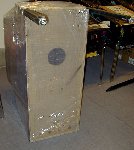
Locate the hardware (bolts, balls, keys, etc) that are packed with the game, and set aside for use during assembly. With backbox still secured to main cabinet (in its "down" position), position the game so that it is sitting on it's back end, coin door facing up, as shown in image. |
 |
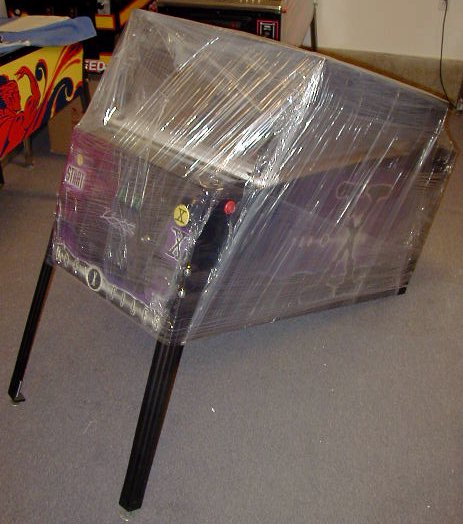
Step 2: Attach Front LegsLocate two of the four legs that are packaged with the game. Using two leg bolts per leg (bolts included with game hardware), attach the two front legs to the front of the main cabinet. There should be two holes on either corner edge of the front of the main cabinet where the legs will mount.
IMPORTANT NOTE ON INSTALLING LEG BOLTS: Do not let the weight of the machine rest on the leg & leg bolts as you are installing/tightening the bolts. This can cause the leg bolts and/or leg plate inside the game to strip, which can require a costly repair. Support the weight of the game, and the leg itself, separately, while you are installing the bolts. They should turn freely by hand as you are installing them. Do not force leg bolts.
The leg bolts will require a 5/8" wrench to tighten them. Tighten the bolts so that they are snug but do not overtighten- we recommend "wrist tight", which is a tight as you can comfortably turn a wrench using only your wrist. Legs to not need to be overtightened- it is easy to strip the bolts or threads inside the cabinet that hold the bolts, which can require costly repair. |
 |
Step 3:Lower the front of the machine to the ground as show in image to the left, so that the front is sitting on the legs you just installed. |
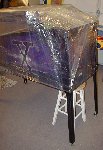 |
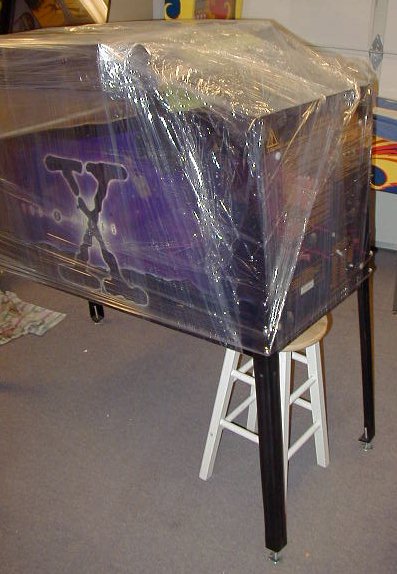
Step 4: Attach Back LegsWith one or two helpers, lift the back end of the machine off the floor, and have helpers hold it, or place it's back end on a stool, as shown in image.
Using the remaining four leg bolts, attach the back legs, just as you did the front legs. DO NOT OVER-TIGHTEN!
The back legs should have their leg levelers screwed out about an inch or so, so that the back end of the game sits higher than the front end.
Remove stool- set back of game down on it's legs, on the floor. |
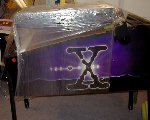 |
Step 5: Unpack BackboxUsing scissors or a knife, carefully cut away or remove any packing material holding the backbox down (stretch-wrap and/or strap). Be very careful not to cut or scrape/scratch the game when cutting away the packing material. |
 |
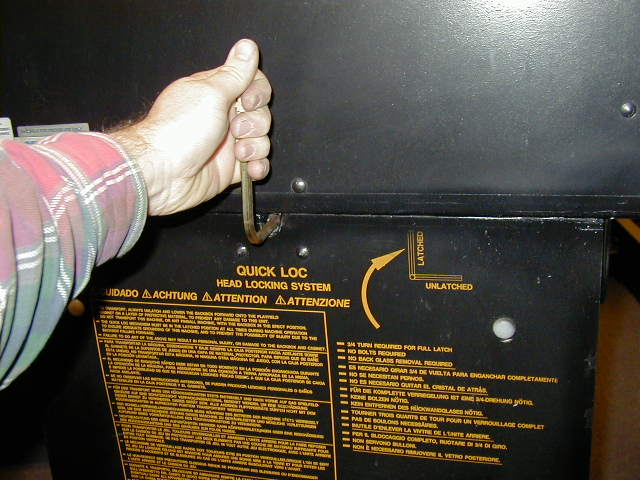
Step 6: Raise and Secure BackboxRaise backbox to upright position. Be careful not to smash any cables in-between the backbox and the main cabinet, as you are raising the backbox (have a helper guide any cables/wires through the "neck" of the game, as you are raising the backbox).
Lock the backbox in it's upright position using the included backbox allen-wrench. 1/2 to 3/4 of a turn of the wrench, in the clockwise direction, will lock the backbox in place. |
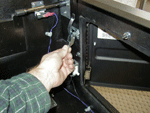
Interior view. |
Step 7: Remove Lockdown BarThe lockdown bar is the metal bar that goes across the front of the game, and holds the playfield glass in place. It's what you rest your hands on when playing the game.
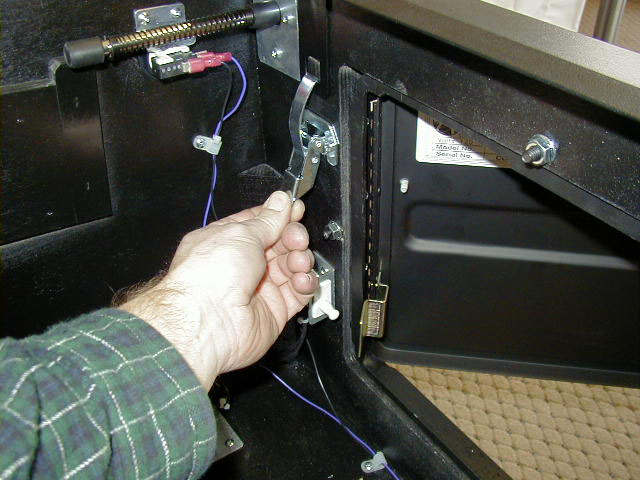
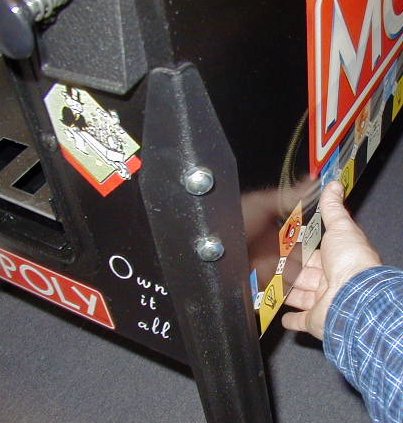
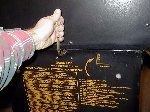
Unlock the front door with the key(s) included with the game hardware, and open. Locate the two latches that hold the lockdown bar in place, and release them. (There is one latch on either side of the front door, on the inside front wall of the cabinet- see picture to the left for more detail.) This will release the playfield glass lockdown bar, and it can then be removed.
Note: Each latch must be flipped to release it (as shown in image), and then the upper "hook" end must be freed from the slot in the lockdown bar tab, before you can actually remove the lockdown bar. So make sure each latch is completely released, in this fashion, or you won't be able to remove the lockdown bar.
|
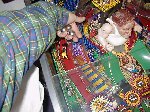 |
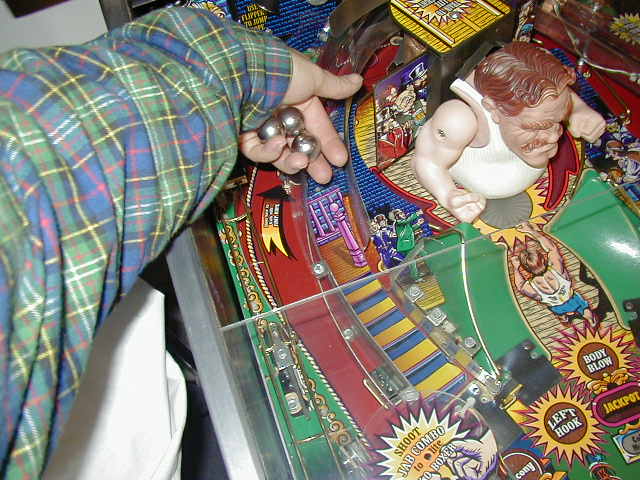
Step 8: Install Pin BallsLocate pin ball(s) packaged with the game hardware. Pull playfield glass down a short distance and place the pin ball(s) on the playfield surface and let them roll down to the outhole. Different games will use a different number of balls- anything from one to six balls, usually. Most will use three. If you are not sure how many balls your game should use, contact us and we can tell you.
Slide playfield glass back up and replace the lockdown bar. The lockdown bar should have two "tabs" that go down inside the front cabinet wall, between the front of the cabinet and the glass. Then lock the bar in place by replacing the two latches which you released in the previous step (just reverse the process to re-secure the lockdown bar). Close front door and lock it. |
 |
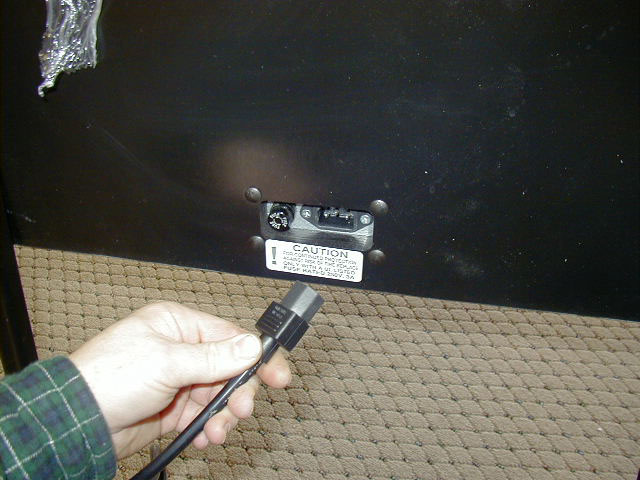
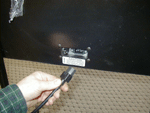
Step 9: Power On!Locate the line cord, packaged with the game hardware. First, securely plug the female end of the cord into the outlet on the back of the game. Then plug the male end into a grounded wall outlet. We recommend using a surge-protector or surge-protected power strip, if you have one available, for added protection of your game (much like you'd use to protect your home computer, electronics, etc.)
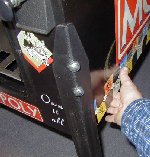
Turn game on by the main power switch. This switch is located under the front right corner of the main cabinet (behind front right leg) on the bottom side of the main cabinet (see picture). It is in a recessed hole on the underside of cabinet. Flip switch to the ON position, and verify that the game powers up and score display lights, playfield lights flash, etc., as described in the startup section of your game's instruction manual. Most games will take about 10 seconds to completely boot up and start, before you will see lights flashing, score display working, and before you can start a game.
|
You are now ready to play!
Game Levelling: You may need to level the game from side to side, depending on how the leg levelers are set on the legs, or on the evenness, or unevenness of your floor. You can "eyeball" the game for level from side to side, or use a bubble level, in two positions- across the front of the machine, and across the back of the machine. Adjusting the leg levellers on the legs will allow the game to be properly levelled.
If you notice the ball rolling more to one side than the other during play, you may need to adjust the leg levellers to re-level the game.
Raising the back of the game (by adjusting leg levellers out (or "down"), on the back legs) will make the angle of the playfield steeper, and cause the ball to roll faster, and game play to be more difficult.
Lowering the back of the game (by adjusting leg levellers in (or "up"), on the back legs) will make the angle of the playfield less steep, and cause the ball to roll slower, and game play to be easier.
You may want to get someone to help lift one corner of the game up slightly while you adjust each leg leveller.
Game Keys: Your game will have one key, or set of keys, for the front door. Keys for the front door should be kept in a safe place. No one should need to get into the machine for any reason other than for maintenance/service, etc. And high voltage is present inside the game, so best to keep coin door locked and keys in a safe remote place to keep unwanted hands and fingers out of the machine.
Other Information: Consult the game manual that was included with your machine for additional information on game operation, how to raise/lower the playfield, how to open the backbox, how to make adjustments to game settings, options, or volume, etc. And of course, if you have any questions that you cannot find answers for, just call or e-mail us! We'll be happy to help!
If you have any questions, problems, or require any additional information, please contact us.
Back to Top
|

 Game Setup & Assembly Information